For working residential appraisers
The AppraisalPilot Library
Plain-English guides, free tools and real report walkthroughs for the new URAR and UAD 3.6. Our guides are drafted from Fannie Mae's and Freddie Mac's own documents and reviewed by a licensed appraiser before they go up.
Start here
What do you need today?
Pick the one that sounds like your day. Each card takes you straight to the answer.
- What does a UAD 3.6 report actually look like?Watch Josh read a complete sample report
- I'm new to AppraisalPilot. Where do I start?Watch one report, start to finish
- Which AI tool should I use for the new report?Read: AI tools for UAD 3.6 appraisals: every option, side by side
- What changed, and when do I have to switch?Read: The new URAR in one page
- How ready is my workflow for the new URAR?Take the two-minute readiness check
- Which photos does the new report need?Get the UAD 3.6 photo checklist
- I need comments written for the new report.Open the Comment Library
- My report came back with findings.Read: How to read your SSR on a UAD 3.6 appraisal
- An AMC just sent me a revision request.Use the 15 AMC revision responses
- I want to see a whole report get built.Watch the Report Get Built
- I want to ask a real appraiser my question.Save your seat for Wednesday
Export to your report software
From AppraisalPilot into TOTAL or Appraise-It Pro
Your report stays in the report software you already use. Each video shows the export start to finish, with a Quick Start you can print.
 How-to videoExport to Appraise-It Pro, start to finishOn Appraise-It Pro, you don't switch software for UAD 3.6. How to get comfortable with the new URAR, and how AppraisalPilot work imports right into it.Watch it
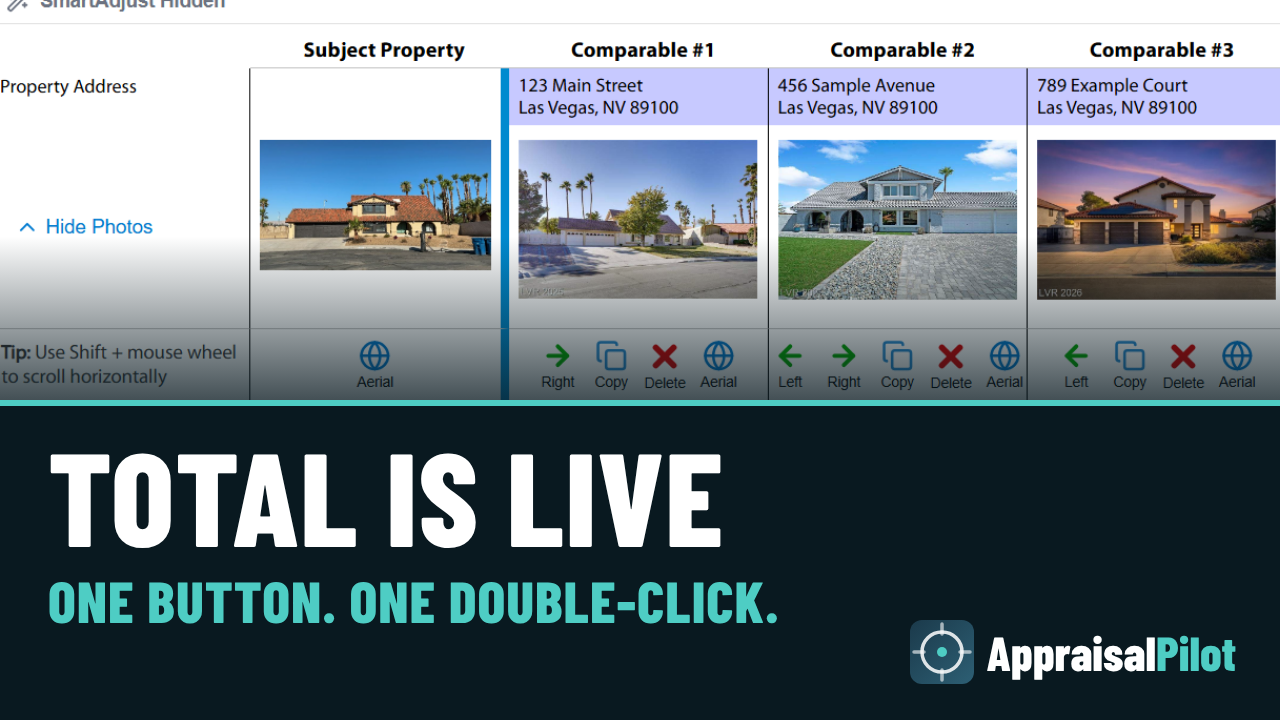 How-to video · 1:41Export to TOTAL, start to finishIf you do your reports in TOTAL, you keep doing them in TOTAL. How to get AppraisalPilot in the TOTAL Store and export your reviewed drafts into TOTAL.Watch it
Key dates
The dates that matter
- Nov 2, 2026UAD 3.6 is required for new reports submitted to Fannie Mae and Freddie Mac. Some lenders have a temporary exception.
- Mar 1, 2027Exception lenders' UAD 2.6 reports get a CU risk score of 999 and lose rep and warrant relief for value.
- May 20, 2027UAD 3.6 is required for every new submission. The exception ends.
- Jun 28, 2027UAD 2.6 is retired. No UAD 2.6 report is processed.
Source: Fannie Mae and Freddie Mac, Temporary Policy Exception, September 30, 2026. Read the full timeline.
Field Report
The news, answered from the source
A short news report for working appraisers from Josh Stalk, Licensed Residential Appraiser (NV). One question an episode, the sources on screen, and two pages of free Field Notes.
 Field Report No. 14 · 12:11Are Appraisal Orders Coming Back? 5 Reports Before ThanksgivingPurchase apps up 10% in a week but 16% below last year, existing-home contracts at a record low, new-home sales inside their margin. Field Report No. 14.Watch the report
 Field Report No. 13 · 12:40AQB's New Appraiser Rules for 2027: No Degree, No Waiting?AQB adopted new appraiser criteria Nov. 19, 2026: no degree, no minimum months, a new pathway. In force July 1, 2027, as states adopt. Field Report No. 13.Watch the report
 Field Report No. 12 · 10:40FHA on the New Report: Is UAD 3.6 Required Yet?FHA lenders may submit UAD 3.6 appraisals since Oct. 1, 2026, but it's optional. The one-format rule and what the report asks on FHA. Field Report No. 12.Watch the report
Free tools
Free tools for the new report
Built for working appraisers and free to use. Take what helps.
- LookupUAD 3.6 findings lookupPaste a Fatal, hard stop or warning from your lender, AMC or software, or type the code. Get the GSE message, how serious it is, and who fixes it.Look up a finding
- Sample reportUAD 3.6 sample reportA complete new URAR for a made-up home, every section that applies filled in. Free PDF, no email.See the sample report
- QuizUAD 3.6 readiness checkTen questions, two minutes. Find out where your workflow breaks before a reviewer finds it for you.Take the quiz
- TrainerUAD 3.6 field trainerLearn the new sections and enumerations by using them, one call at a time.Practice the new URAR
- ChecklistThe UAD 3.6 photo checklistThe photos the GSEs' June 23, 2026 job aid requires, and when, with the Fatal rules behind them. Three large-print pages to take on every inspection. Free PDF, no email.Get the photo checklist
- Cheat sheetThe UAD 3.6 Field Cheat SheetThe four calls that trip up the most reports under the new URAR, on one page. Pin it above your desk.Open the cheat sheet
- CommentsThe Comment LibraryReport comments written by a licensed appraiser for the new report. Paste them into whatever software you use.Open the Comment Library
- Guide15 AMC Revision Responses That Hold the LineCopy-and-paste responses to the 15 most common AMC revision requests.Get the responses
- PDF11 mistakes getting reports kicked backBuilt straight from the GSE lessons-learned job aid. The specific things bouncing files right now.Download the PDF
- CalculatorWhat the new report costs youYour fee, your volume, your hours. See the number before you decide it does not matter.Run your numbers
Free video series
Watch the Report Get Built
Josh Stalk, a licensed appraiser in Las Vegas, builds a real UAD 3.6 report on his own house, start to finish, on camera. Ten episodes, one section at a time.
Watch the Report Get BuiltWatch on YouTube
 Episode 116:08The Report Is Alive
 Episode 217:05The Machine Reads Your Photos
 Episode 313:24The Photo That Bounces You
 Episode 413:51The Desk Decisions
 Episode 514:04The Lot Tells On Itself
 Episode 614:22The Tape Measure Has a Rulebook
 Episode 712:36The House Around the House
 Episode 813:35The Grid
 Episode 913:26The Defect Dominoes
 Episode 1010:39Zero Fatals
How-to videos
AppraisalPilot, step by step
Short videos from Josh Stalk, one job each, in the order you work a report. Each one has a one-page Quick Start you can print and follow along.

Want it on paper? Print the one-page checklist. Then take the how-tos below one job at a time.
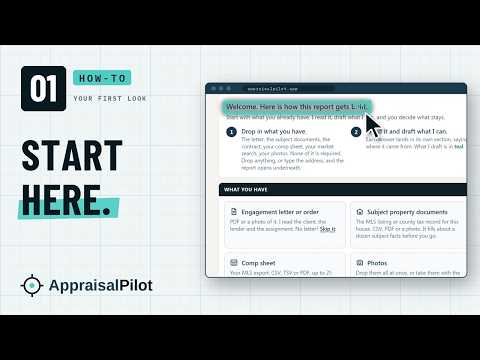 How-to 01 · 3:23Where Is Everything, and Where Do I Start?Your first look at AppraisalPilot. Signing in, the bar across the top, What you have, the report's sections, and how to start your first report.Watch it
 How-to 02 · 3:11What Do the Dots, Numbers and Colors on the Left Mean?The left panel in AppraisalPilot. What the navy checks, numbers, teal rings and dashed stops mean, and how one tap takes you to the box that is left.Watch it
 How-to 03 · 2:34What Does Teal Mean, and What Do I Do With It?Teal in AppraisalPilot is always a draft waiting for your yes. How to keep it or change it, find every draft, and what is never drafted for you.Watch it
 How-to 04 · 2:15How Do I Find Any Section or Box Fast?Never scroll and hunt. How to read a folded section, the Required button that takes you to the next box that needs you, Sections, and Find.Watch it
 How-to 05 · 2:33What Do I Set Up on Day One? Settings, Comments and the LibraryWhat to set up on day one in AppraisalPilot. Your license and company, your report software, signature, defects, the Comment Library and the Library.Watch it
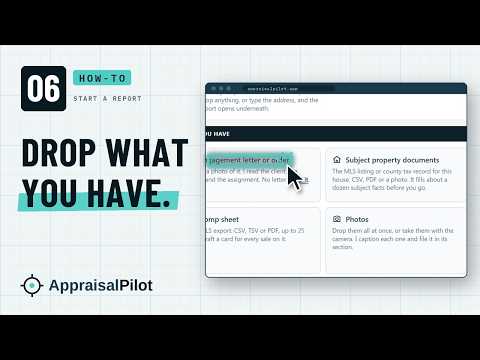 How-to 06 · 8:02How Do I Start a Report and Drop In What I Have?How to start a report in AppraisalPilot. Tap New, drop your engagement letter, listing sheet and contract, tap Use this address, and see where it lands.Watch it
 How-to 07 · 6:46NEW: How Do I Take, Drop In and Review My Photos?You don't have to label your photos. Field mode at the house or a drop at your desk, then PhotoPilot, right below Photos, where you keep or fix each draft.Watch it
 How-to 08 · 4:23What Do My Photos Draft for the House, and What Is Mine?What your photos draft in Dwelling Exterior and Unit Interior, from materials to rooms, and why every quality and condition rating stays yours.Watch it
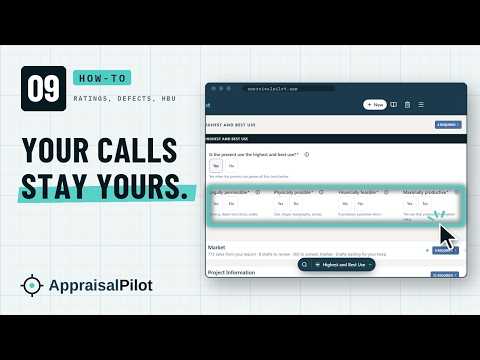 How-to 09 · 4:28Where Are the Calls That Stay Mine? Ratings, Defects, Highest and Best UseFunctional obsolescence, defects, the ADDD Review, overall quality and condition, and highest and best use. Where each one is, and why the calls are yours.Watch it
 How-to 10 · 3:00How Do I Finish the Site Section?How to finish the Site section in AppraisalPilot. Site size, SitePilot's drafted Site Commentary, disaster mitigation, energy features, and None.Watch it
 How-to 11 · 12:56How Do I Sketch the House and Get the Areas?How to sketch a house in AppraisalPilot. Walk the walls, close and name each shape, add the next floor, and get Finished Area Above Grade.Watch it
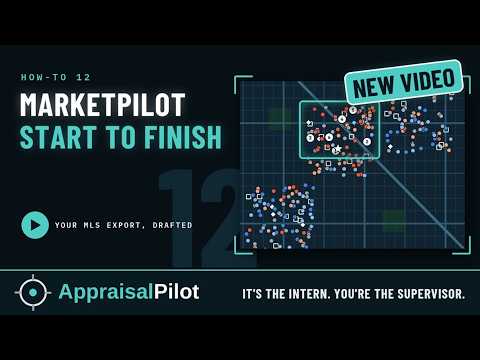 How-to 12 · 12:07NEW: MarketPilot, Start to Finish (What It Does With Your MLS Export)MarketPilot, start to finish: one MLS export drafts your Market section, a chart, a map, the Market Conditions page and the support for each adjustment.Watch it
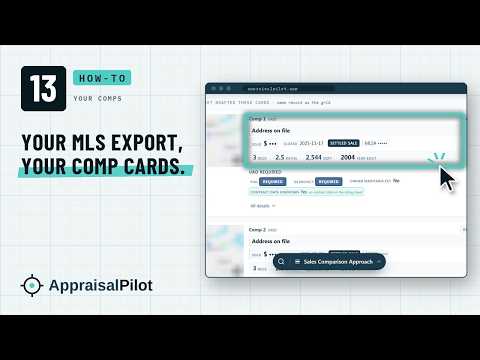 How-to 13 · 4:01How Do My Comps Get In?How your comps get into AppraisalPilot. Drop your MLS export on the Comp sheet spot, read each comp card, the UAD Required answers, and the front photos.Watch it
 How-to 14 · 6:41How Do I Fill the Grid Fast, and Where Do My Adjustments Go?The comparison grid in AppraisalPilot. Your comp order, Fill across, Same as subject, No adjustment, and where your adjustments, weights and value go.Watch it
 How-to 15 · 4:33What's Left Before I Export?What's left before you export. The approaches, reconciliation, NarrativePilot, QC Shield, Time Out and the Before you export check.Watch it
 How-to 18 · 3:33How Do I Work With No Signal at the Property?No cell signal at the property? You don't need any. Draft at your desk, inspect the way you always do, then upload, review and export back at your desk.Watch it
 How-to 19 · 4:48How Do I Save My Comp Photos and Documents to My Workfile?What rides into your workfile when you export, and how to get every page and photo there, from the AO-41 Workfile Packet to your comp photos.Watch it
 How-to 22 · 0:56Set It Once: Your Comp Answers and Your Grid RowsAnswer the comp questions you answer on every report once, in Settings, and pick the grid rows you use, so every report starts closer to done.Watch it
Guides
Plain-English guides
Each guide answers one question appraisers are asking, the answer first, with its sources linked and a licensed appraiser's review.
The new URAR
See the whole section- The new URAR in one pageThe new URAR and UAD 3.6 in plain English for working appraisers: what changed, the spec by the numbers, the key dates, and what stays your call.Read the guide
- The UAD 3.6 mandate: what changes on your next appraisal orderSince November 2, 2026, new GSE appraisals are the new URAR in UAD 3.6. What changes on your next order, from intake to delivery, and what stays yours.Read the guide
- UAD 3.6 deadline: the 2027 timeline for appraisersThe UAD 3.6 mandate took effect November 2, 2026, but some lenders can deliver UAD 2.6 until May 19, 2027. Every date that matters, from GSE sources.Read the guide
- UAD 3.6 sample report: a complete new URAR (free PDF)A complete UAD 3.6 sample report for a made-up home, walked through section by section. Free PDF, no email, plus links to the GSEs' own samples.Read the guide
The Submission Summary Report (SSR)
See the whole sectionField guides for the new URAR
See the whole section- Comps from your MLS and the new URAR sales gridThe new URAR sales grid grows with the property, shows comparable weight, and lists comps you analyzed but did not use. What changed and where it goes.Read the guide
- Free UAD 3.6 tools for appraisers: the GSEs' own, and oursEvery free UAD 3.6 resource worth bookmarking, from Fannie Mae and Freddie Mac and from AppraisalPilot. What each one is for, and which ask for an email.Read the guide
- Interior and exterior condition and quality on the new URARThe new URAR rates exterior and interior quality and condition separately, then overall. The GSE definitions side by side and the mistakes reviewers see.Read the guide
- UAD 3.6 mistakes the GSEs flagged in early reportsFannie Mae and Freddie Mac reviewed early UAD 3.6 reports and published what went wrong. Each mistake, the right way to report it, and the source.Read the guide
- View and site influence on the new URAR: how to report themThe new URAR reports every view and site influence on its own, with range, proximity and impact. What each field means and the mistake to avoid.Read the guide
AI tools and USPAP
See the whole section- AI tools for UAD 3.6 appraisals: every option, side by sideThe AI and automation tools appraisers ask about for the new report, side by side. What each one does, its UAD 3.6 status, and what it works with.Read the guide
- AO-41: using AI tools in an appraisal under USPAPAdvisory Opinion 41, adopted April 23, 2026, shows how USPAP applies when appraisers use AI and other tools: reliance, disclosure, privacy, the workfile.Read the guide
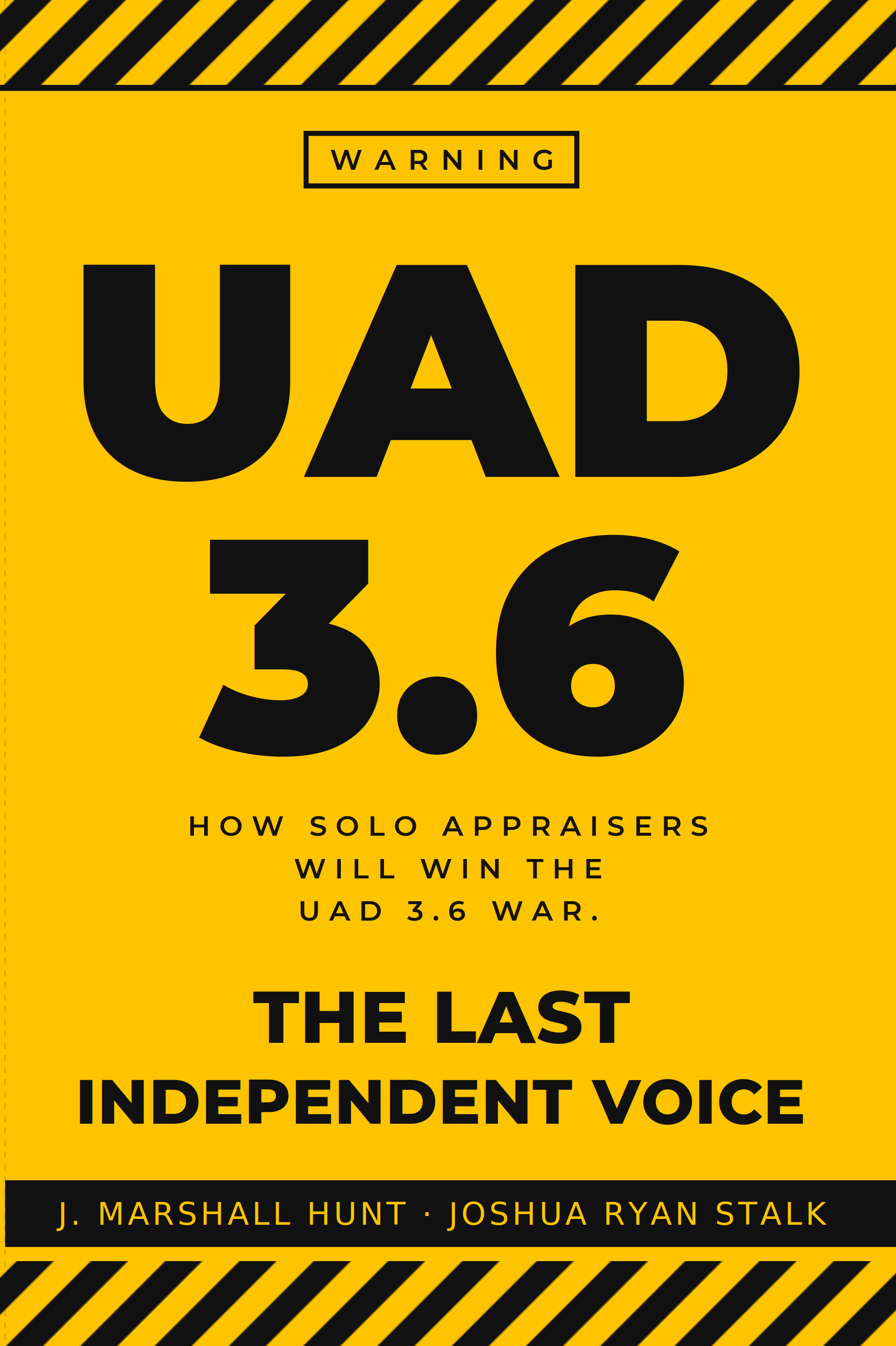
The book · Free, you cover shipping
Everyone says get ready for UAD 3.6. Nobody hands you the map.
The Last Independent Voice, How Solo Appraisers Will Win the UAD 3.6 War, by J. Marshall Hunt and Joshua Ryan Stalk. The working appraiser's field manual for the transition: the 39 data points your photos already answer, the cascade rules that bounce files, the fee math the middlemen keep out of writing, and a What To Do Tonight ending every chapter. No theory. A plan.
Send me the book freeFree, every Wednesday, 9 AM Pacific
Bring your question to the Wednesday workshop
See the new URAR worked on a real report, and bring the question you came here with.
Save your seat for Wednesday